
Built for Singapore & Malaysia FMCG distributors
Your customers already order on WhatsApp. Make it operational.
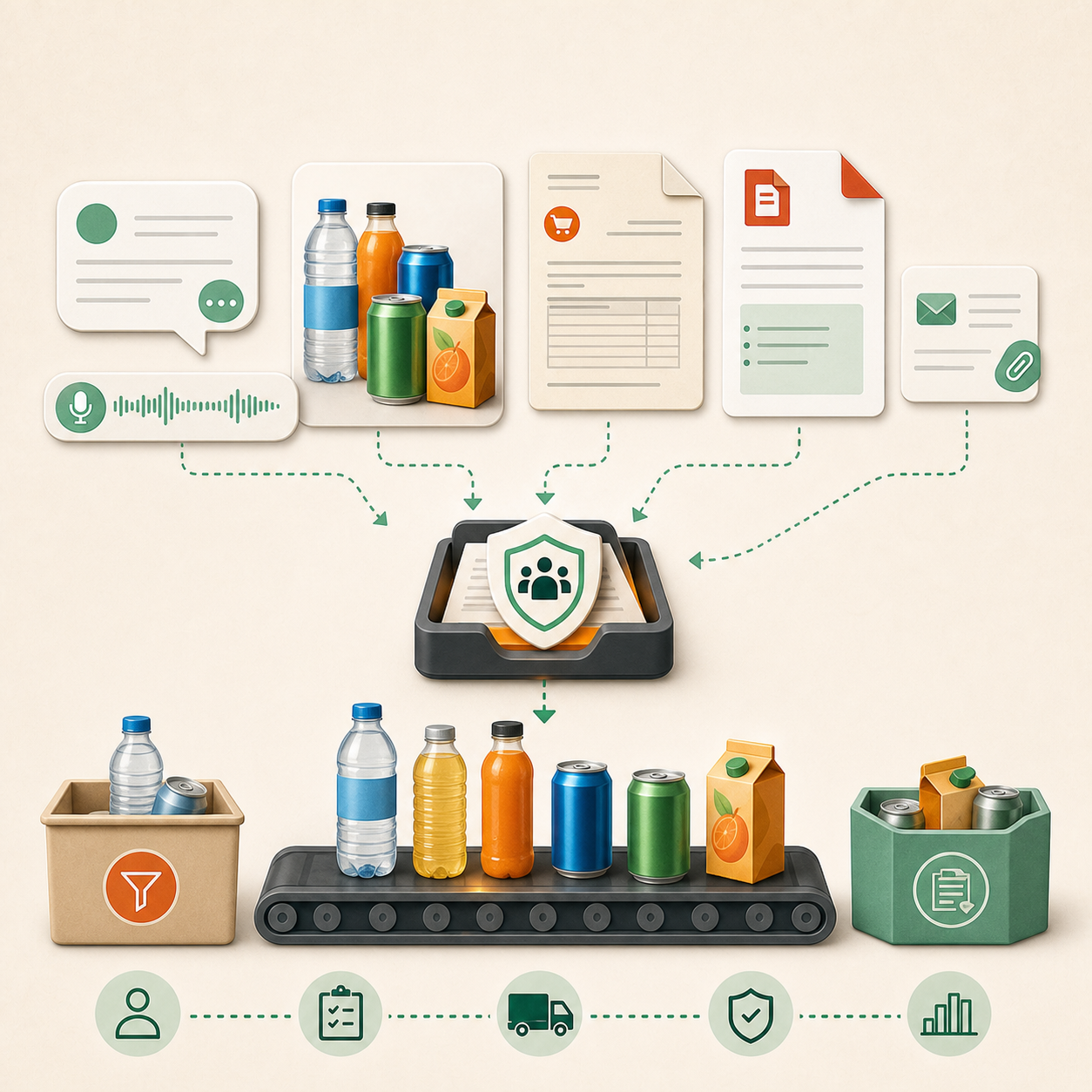
No new app, portal or ordering template. Customers keep ordering as usual – through WhatsApp in local English, Malay, Chinese or mixed lingo, or by emailing a purchase order – while AI structures the work behind each order.
- English · Malay · Chinese · Singlish
- WhatsApp · Email PO inbox
- Voice · PDF · PO photo · Product photo
- Guided choice · Human handoff
One conversation. One controlled order record.
Orders arrive everywhere. The work still lands on your team.
Five capabilities · One familiar chat
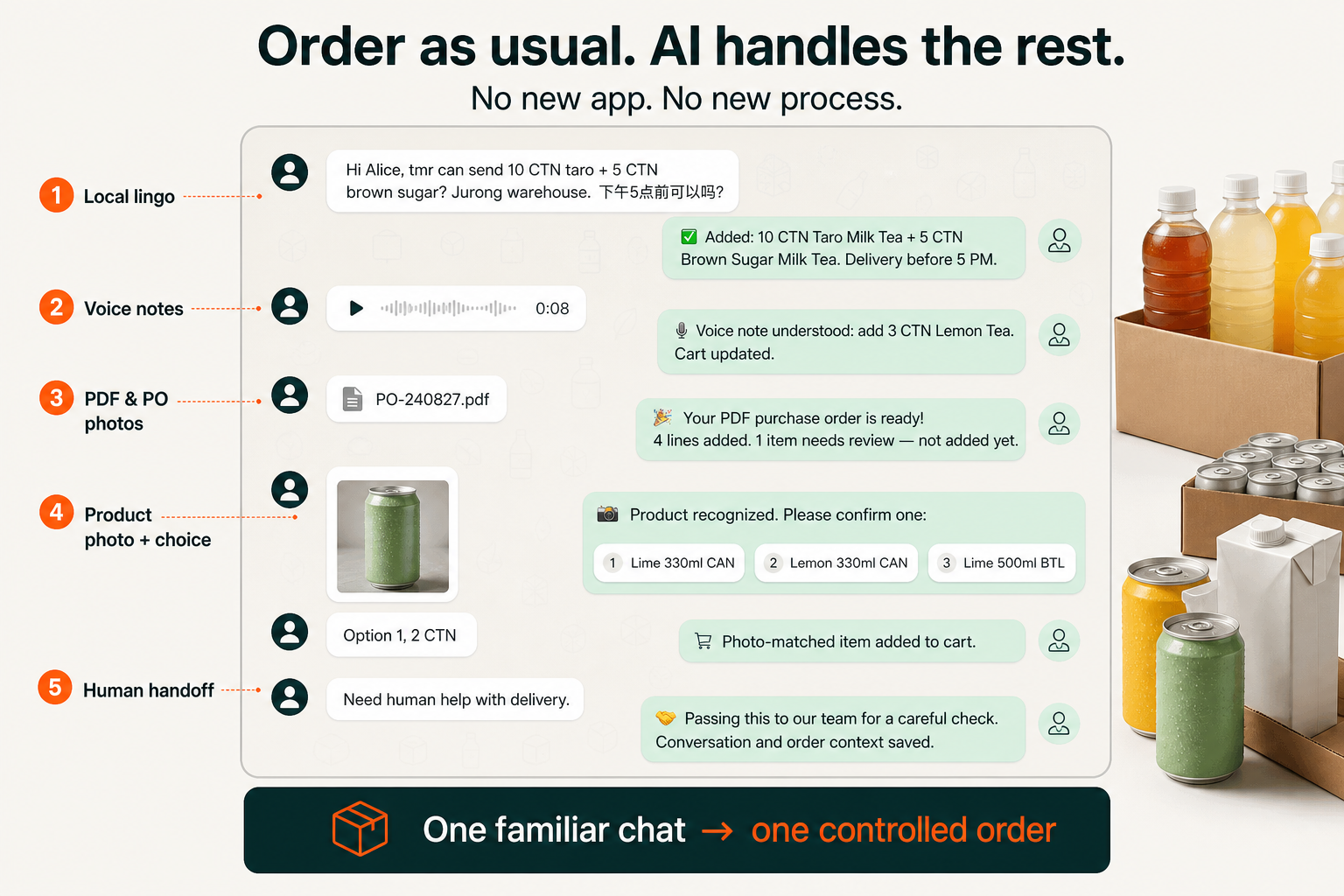
See the entire order journey in one conversation.
Your customer keeps using WhatsApp exactly as they do today. The workflow understands local lingo, processes voice notes and purchase orders, confirms product-photo matches, and brings in a person when judgement is needed.
- Local lingo
- Voice notes
- PO documents
- Photo match + choice
- Human handoff
One workflow, three wins
Move people from data entry to decisions.
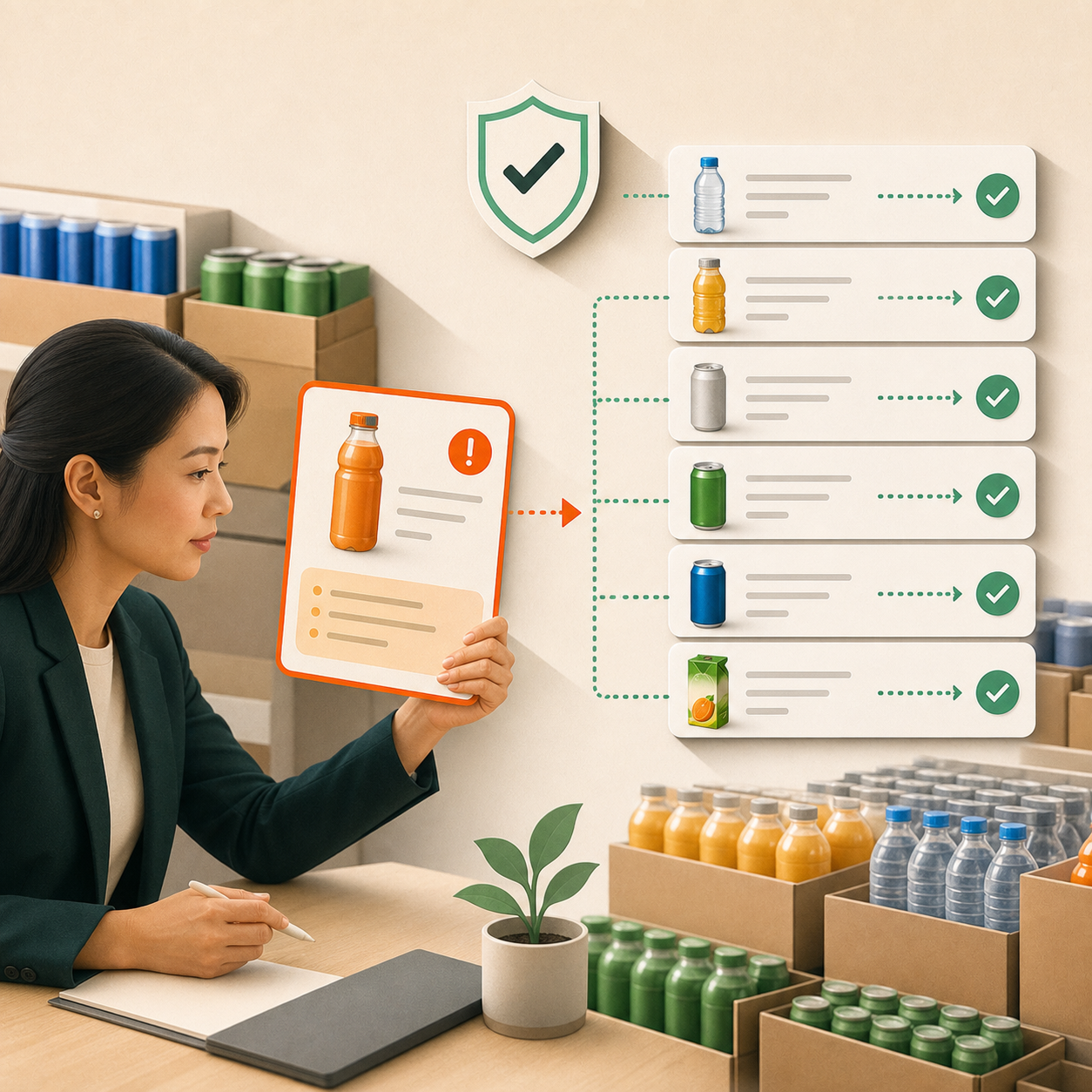
Work the exceptions, not every line.
See matched items, missing details and handoff cases in a consistent order workflow.
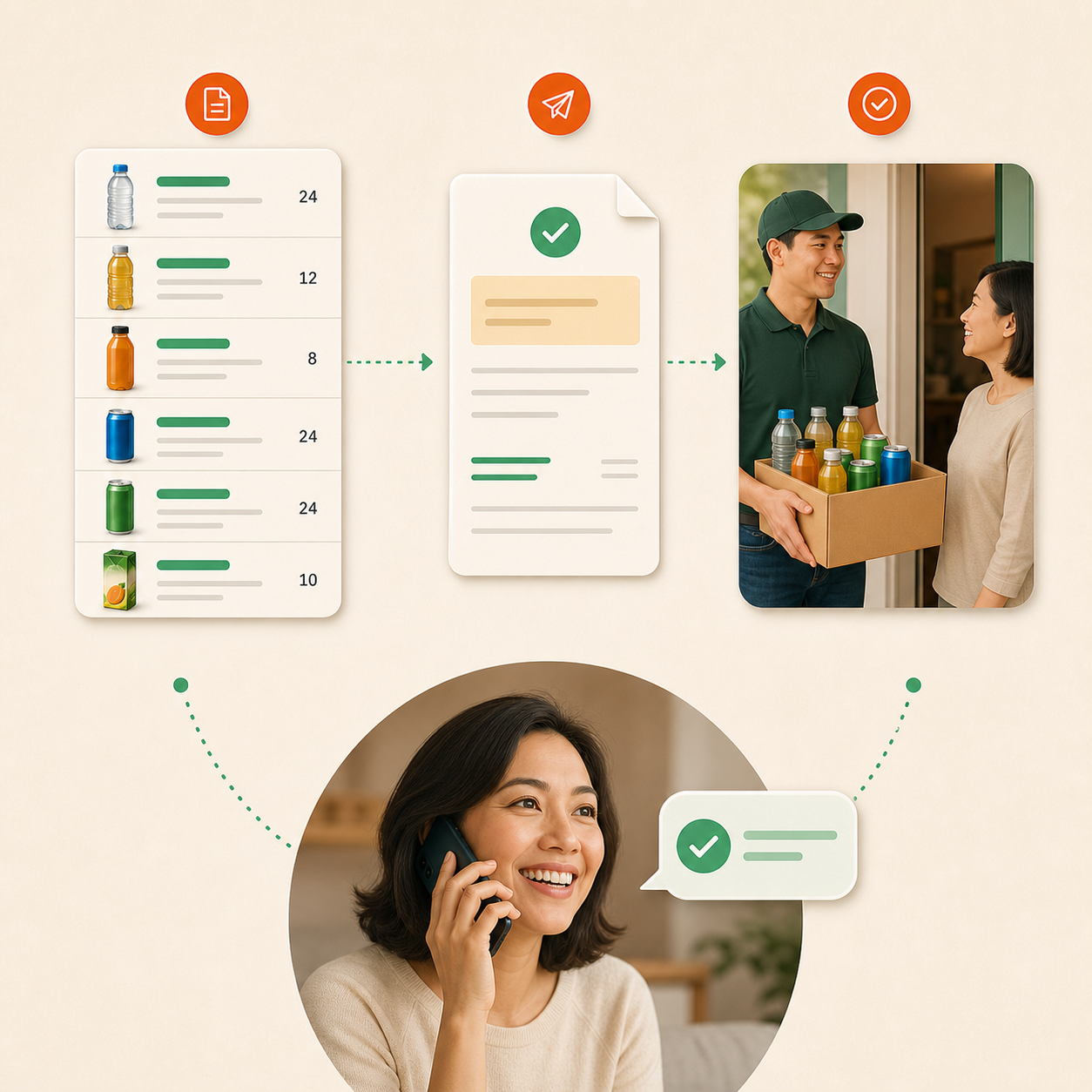
Respond without chasing the order desk.
Give customers an acknowledgement and a clear path to confirmation in the same conversation.
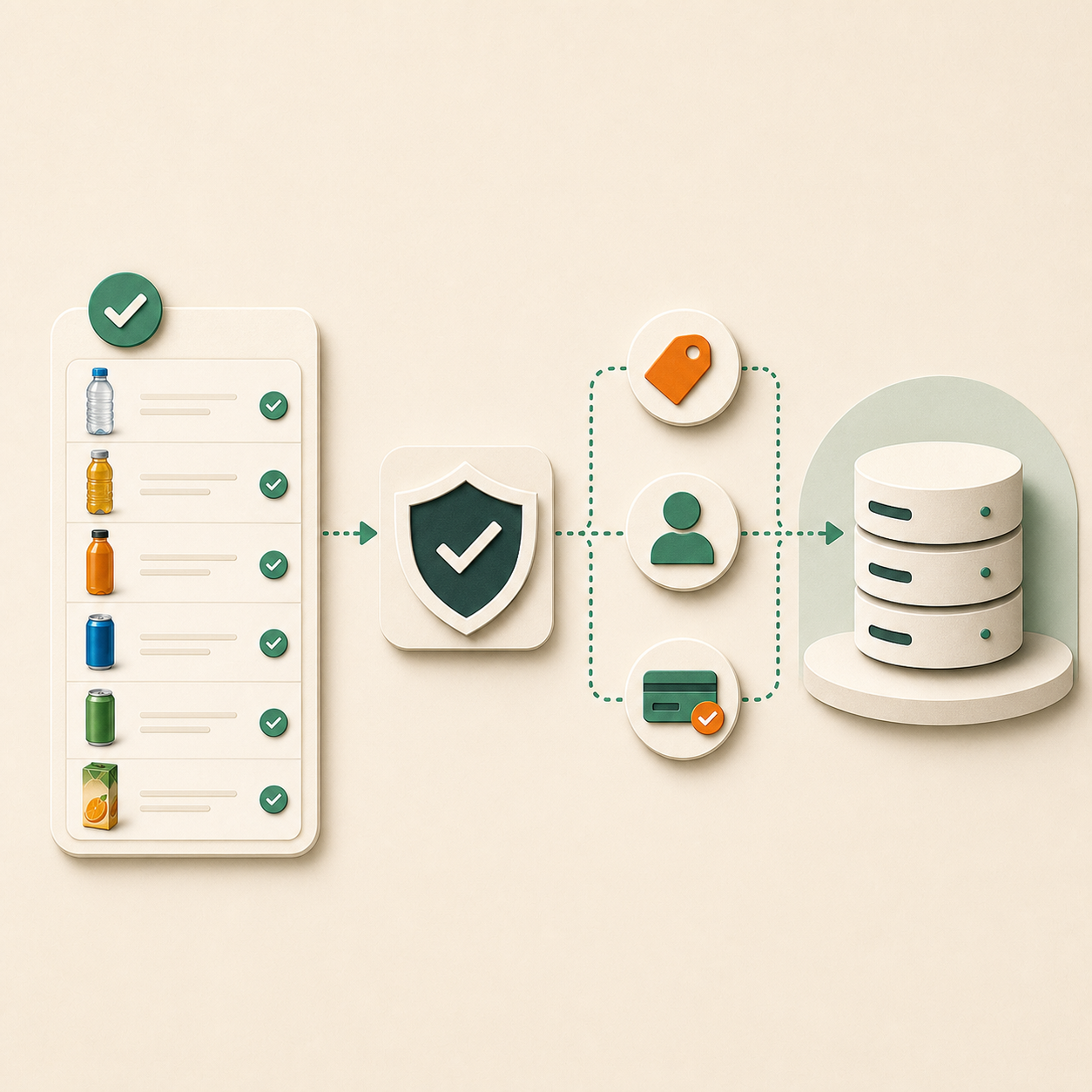
Keep business rules authoritative.
Preserve catalog pricing, customer identity and configured credit controls behind typed APIs.
From message to order
Keep the buying habit.
Upgrade the workflow.
Customers order naturally. The system structures the request, checks it against business data, and asks before acting when the answer is unclear.

Receive
WhatsApp text, voice, images and PDFs – plus approved email PO attachments – enter the same controlled intake workflow.
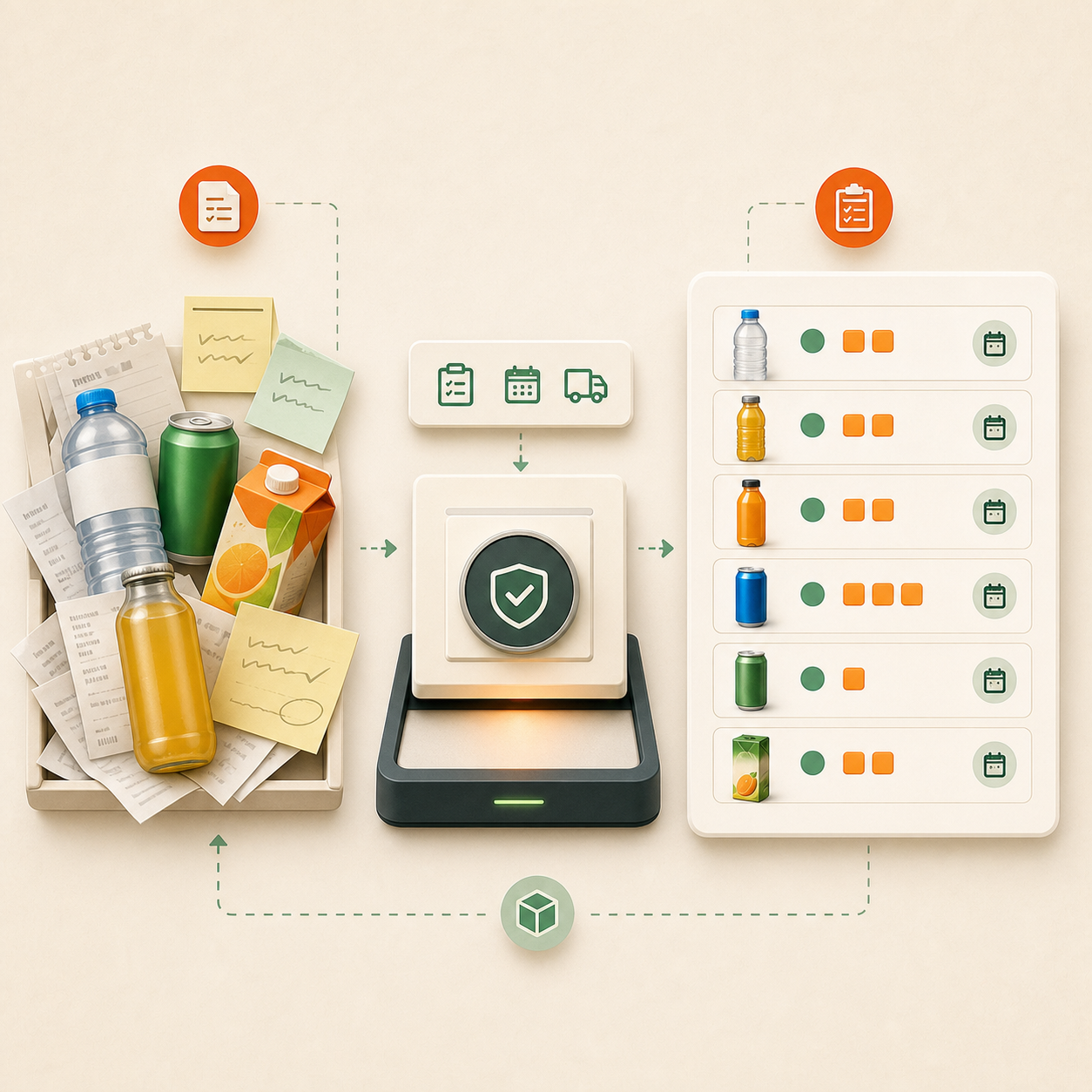
Understand
Quantities, products, units, delivery details and intent become typed order data.
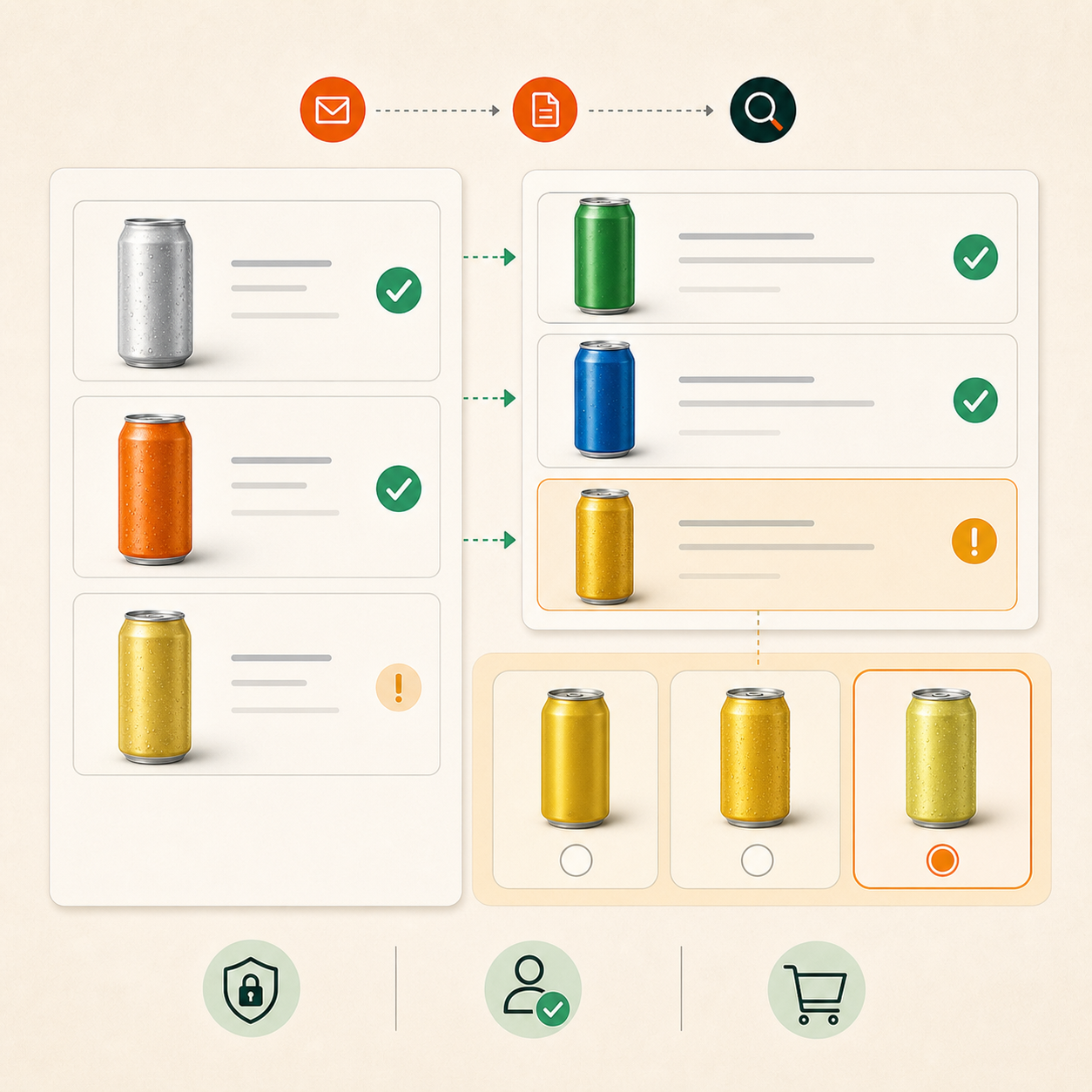
Verify
Catalog rules, aliases and customer context resolve matches; ambiguity triggers clarification.
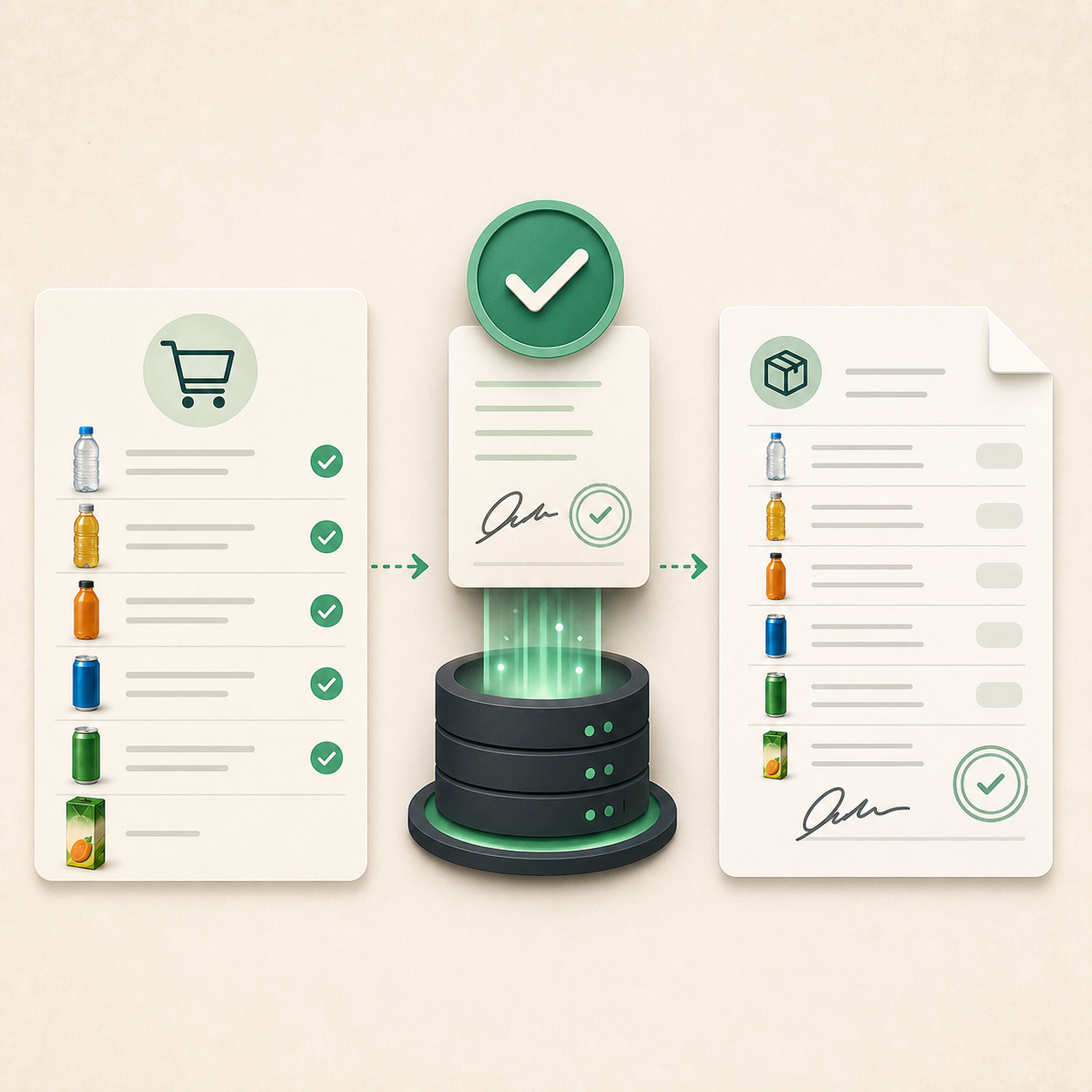
Submit
A confirmed order and PDF are created for operations and downstream integration.
Six practical capabilities
Built for how Southeast Asia actually orders.
From mixed local language and voice notes to emailed POs and photographed cans, every input returns to the same controlled catalog, confirmation and human-review workflow.
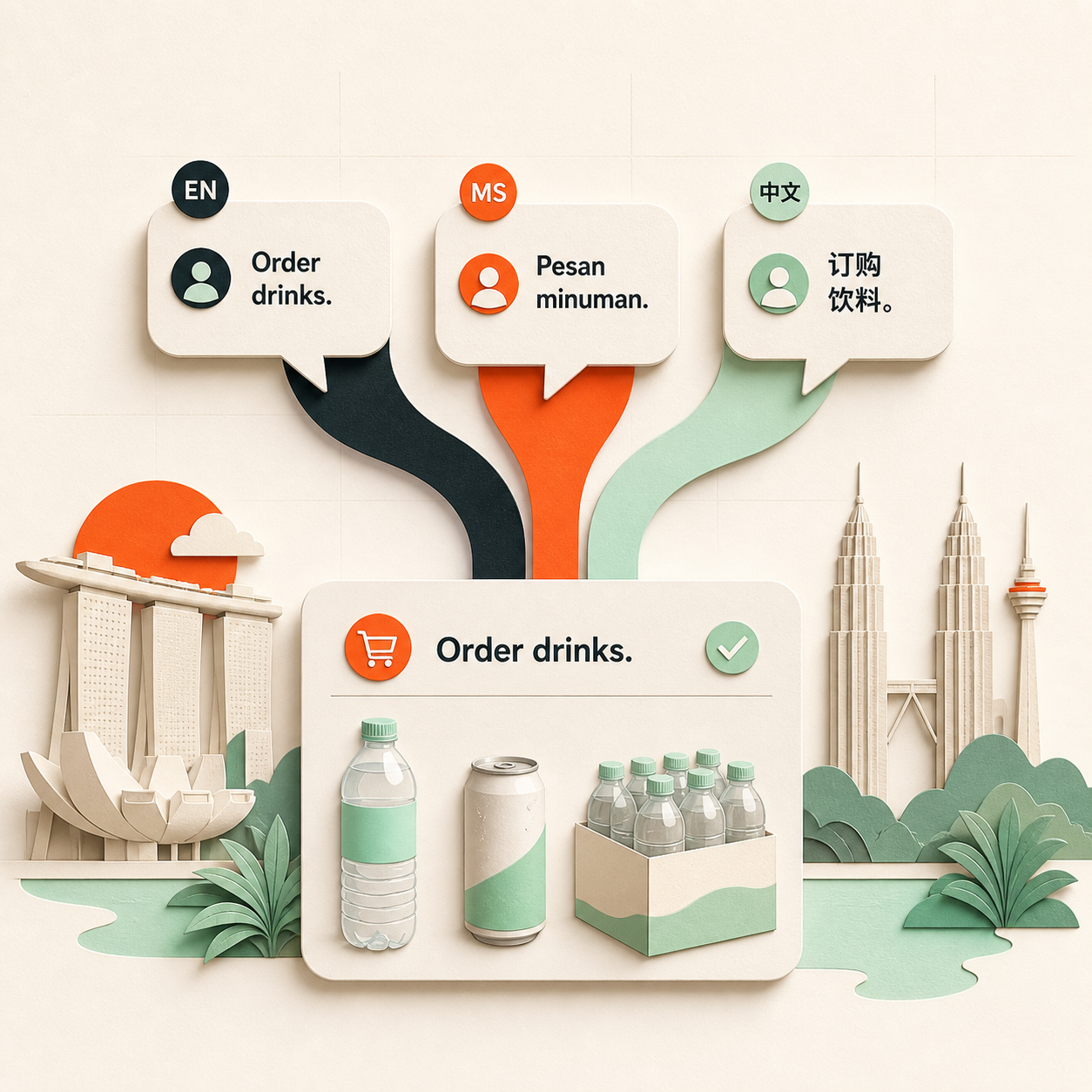
Understands the way Singapore and Malaysia speak.
Configured for English, Malay, Simplified Chinese, Singlish and mixed-language ordering – while preserving quantities, product names and FMCG units.
- Local phrasing
- Mixed-language messages
- Customer vocabulary
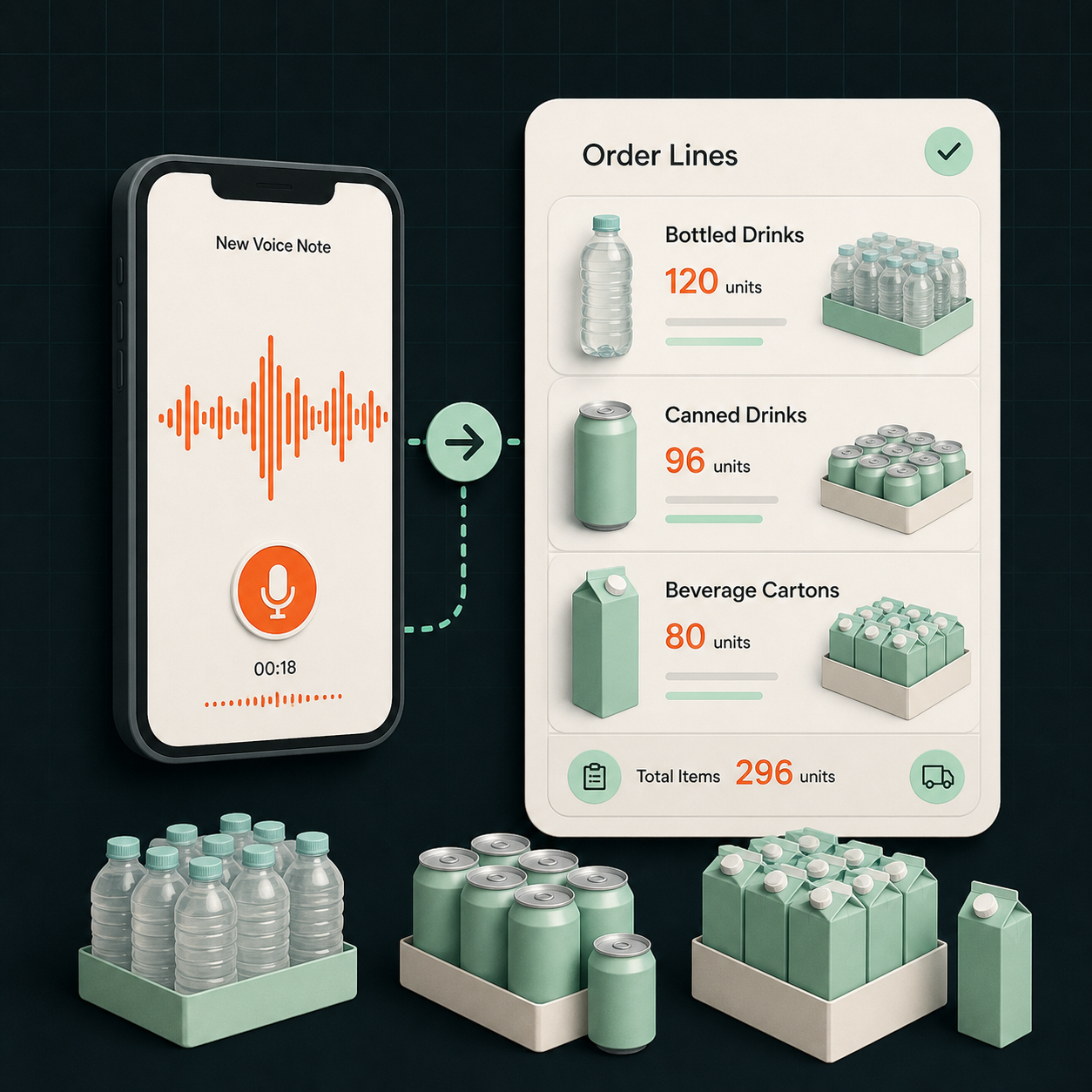
Audio supported from note to order.
Transcribes WhatsApp voice notes and routes the result through the same catalog and cart workflow as typed messages.
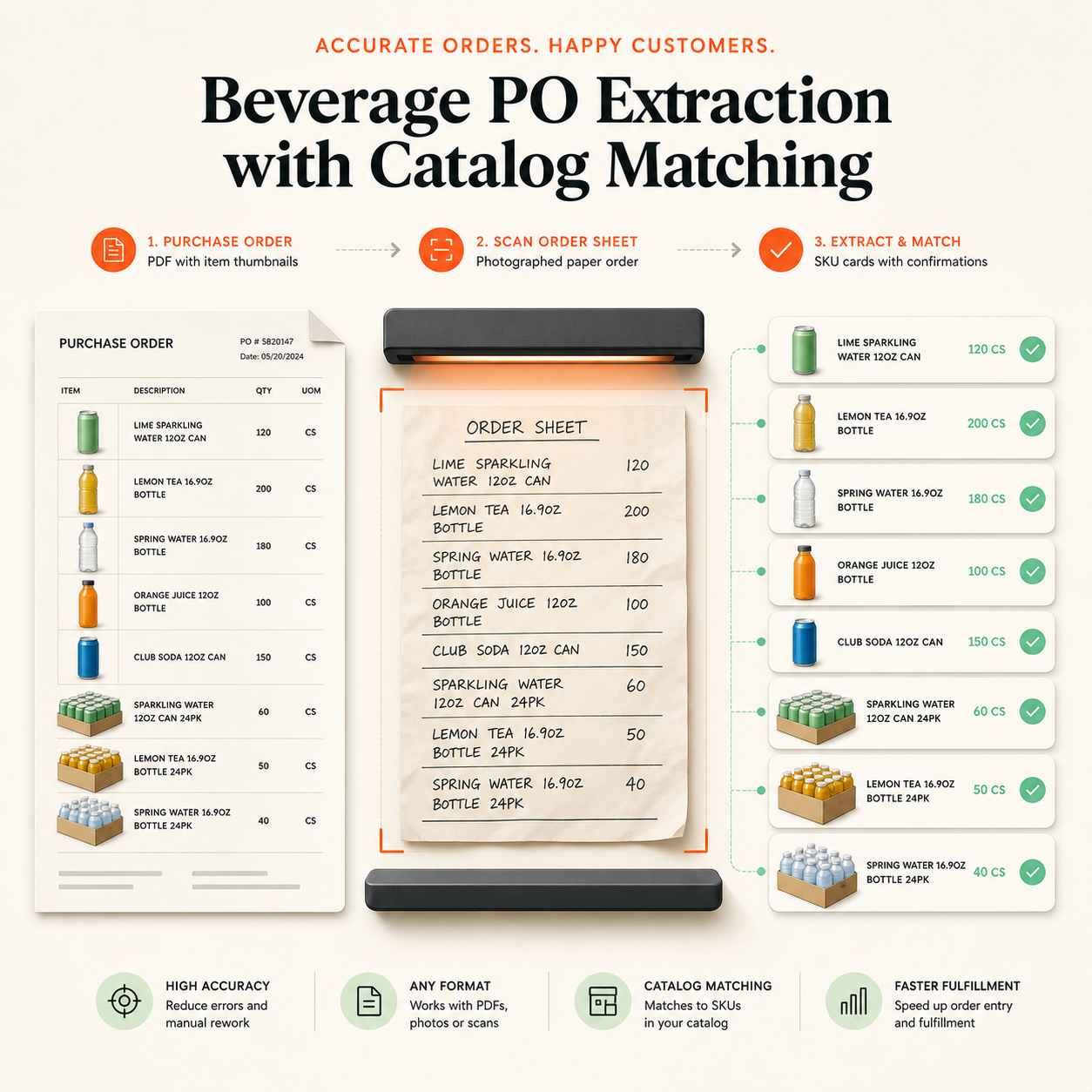
Reads PO PDFs and photographed order sheets.
Extracts line items, matches them against the active catalog, and keeps unclear or unmatched lines visible for review.
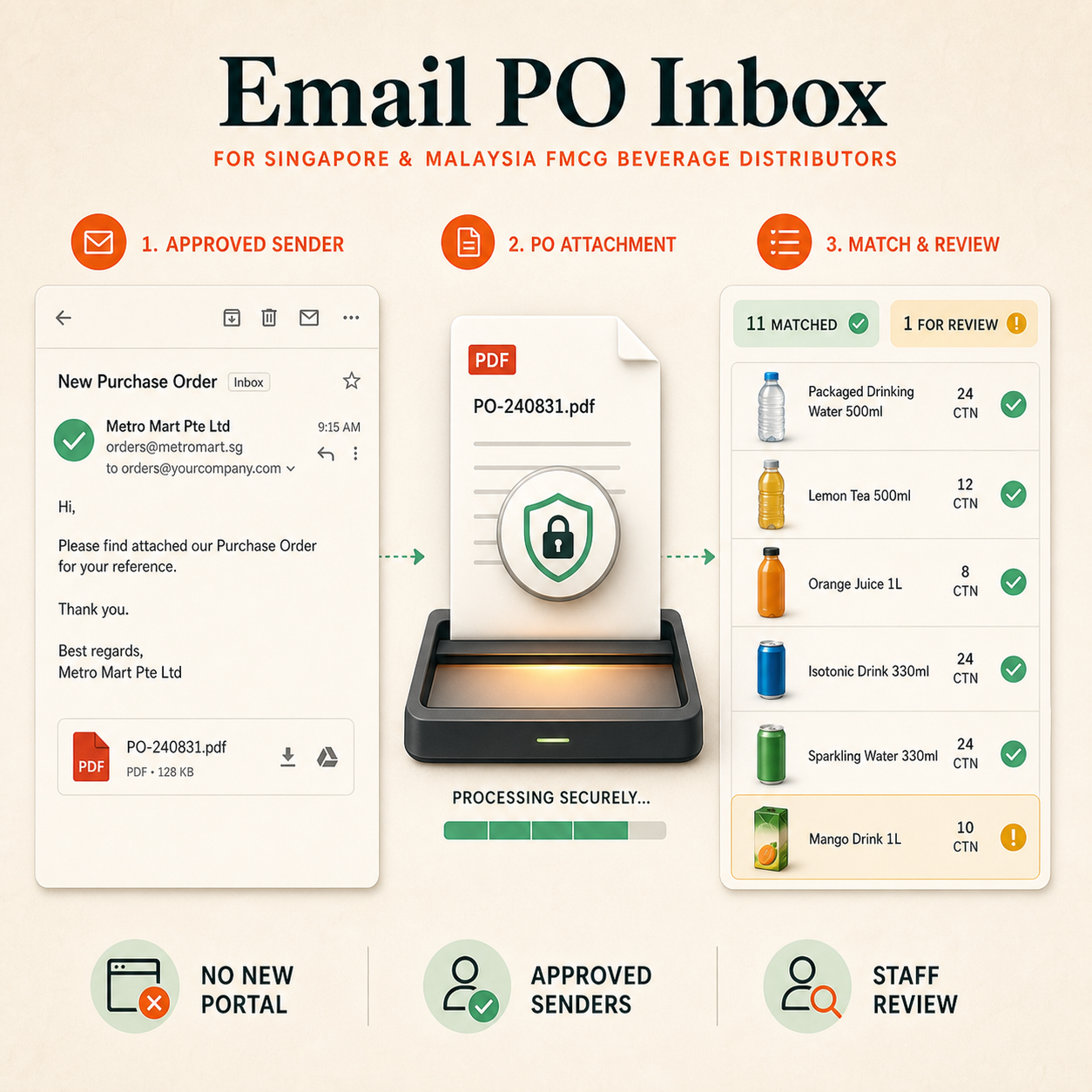
Customers can email purchase orders as usual.
A dedicated inbox identifies approved customer senders and routes supported PDF or image attachments through the same extraction and catalog-matching workflow. Unknown senders or unclear emails remain visible for staff review, and email-originated orders are never submitted automatically.
- Approved senders
- PDF & image POs
- Review before submission
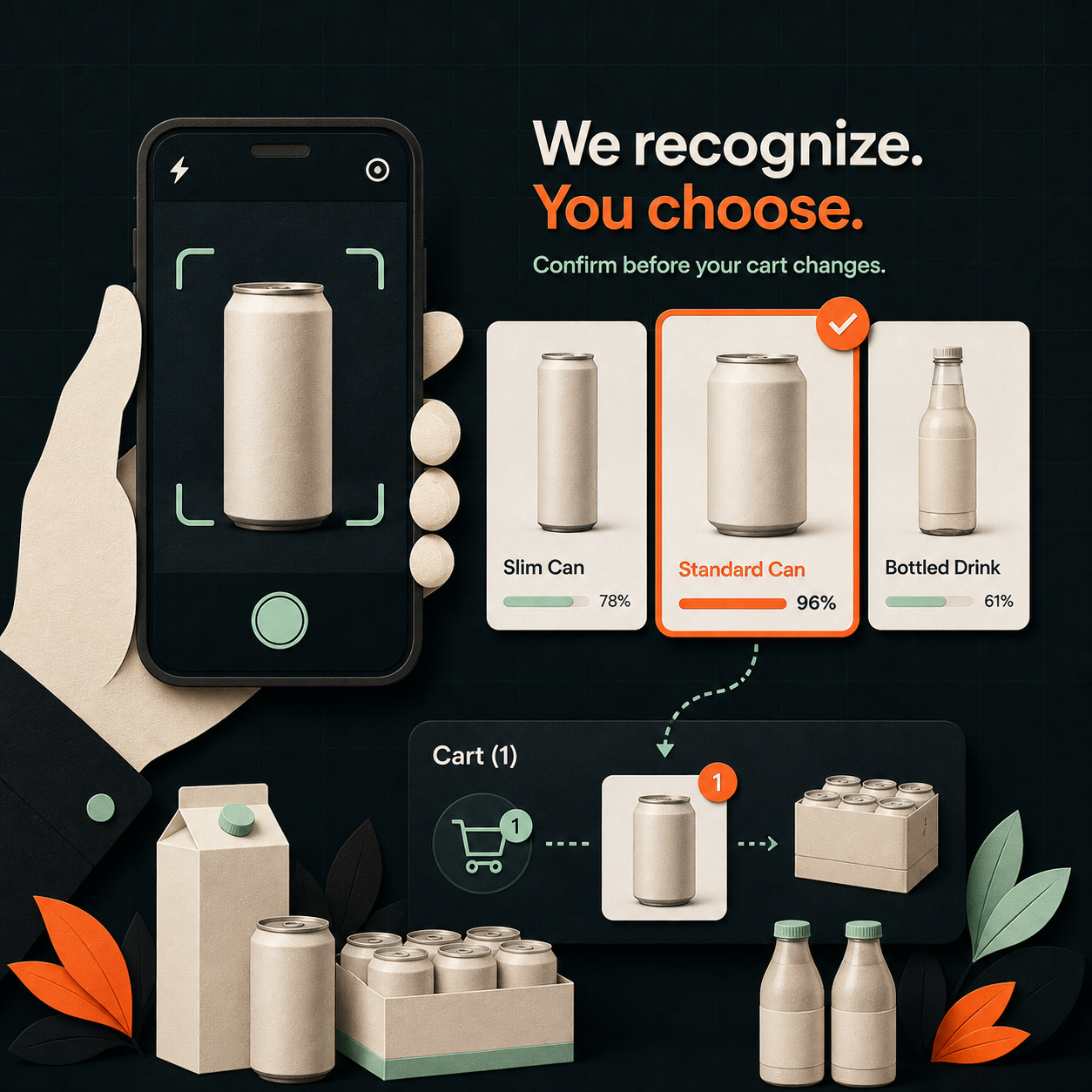
Recognizes the product. Lets the customer choose.
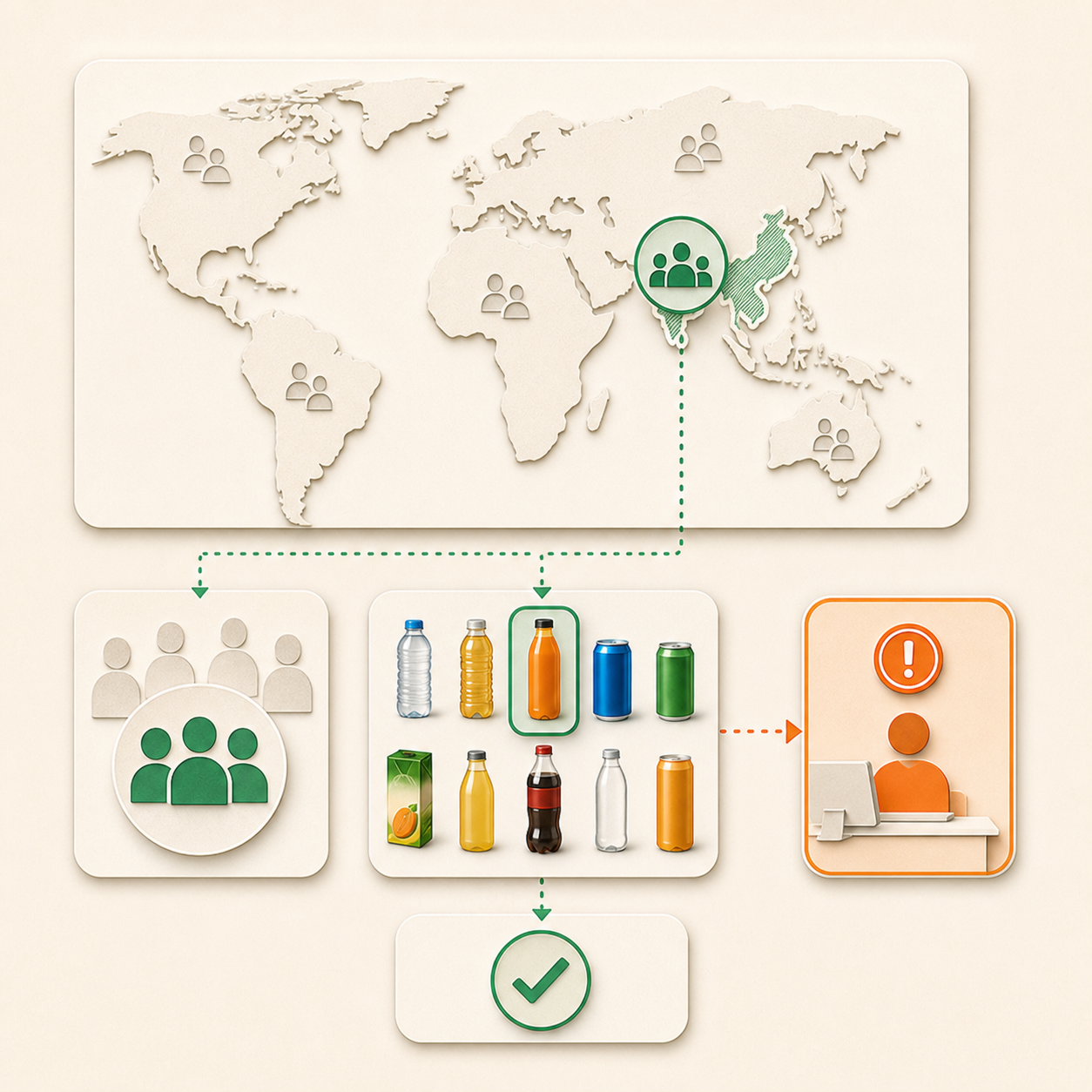
A product photo becomes a confirmed catalog choice. Close matches are shown as options, and nothing enters the cart until the customer approves the SKU and quantity.
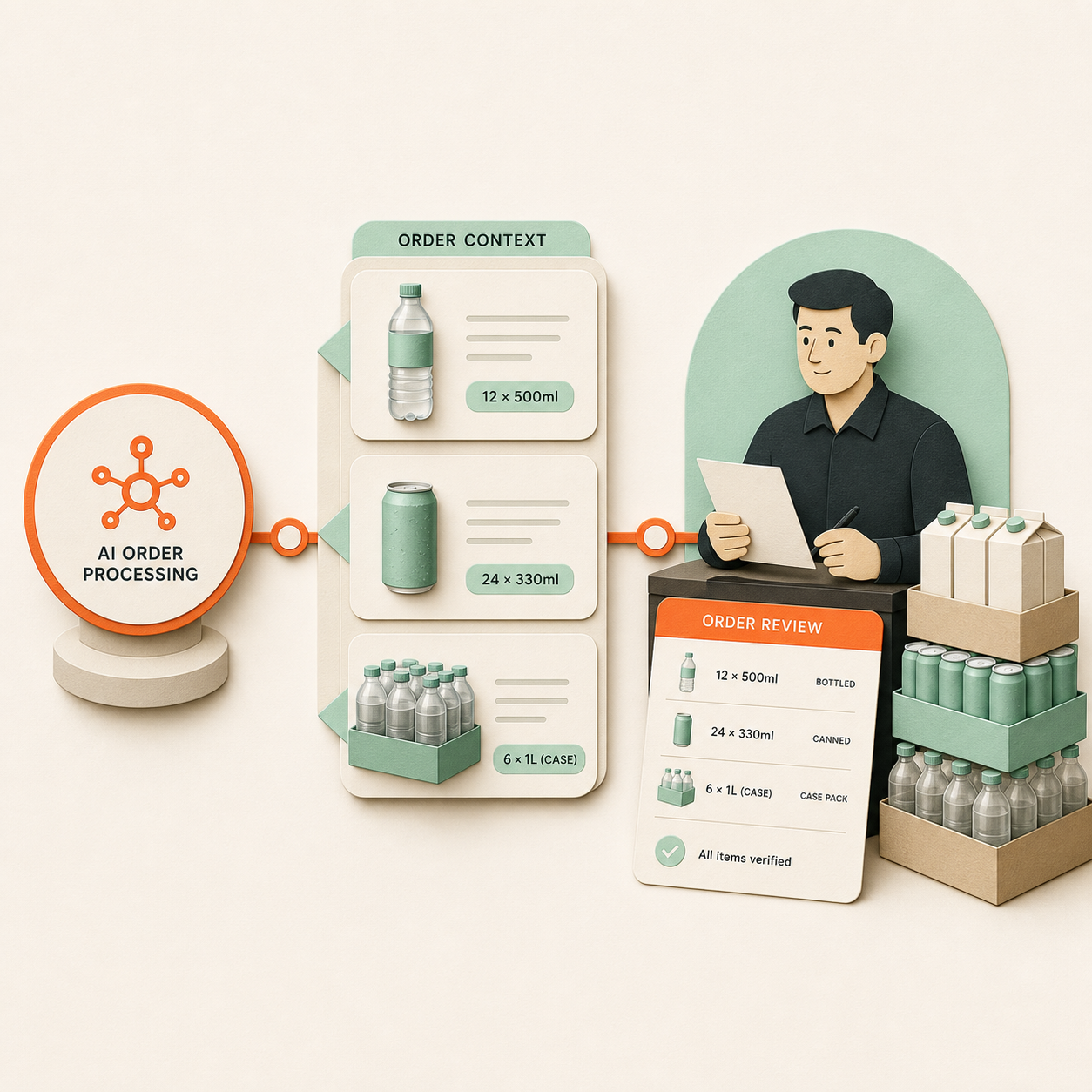
Hands the full order context to a person.
When a customer asks for help – or a document or product cannot be safely resolved – the workflow creates a handoff case without losing the conversation, attempted matches or order details.
- Pause and resume AI
- Assign and resolve cases
- Learn approved corrections
Exception-first operations
The system should know when not to guess.
Routine lines continue through the workflow. Anything ambiguous, unmatched or explicitly escalated carries its original context into a human handoff case.
Multiple active variants found
No match above confidence threshold
Conversation paused with full context
Operational visibility
Not a black box.
A working control surface.
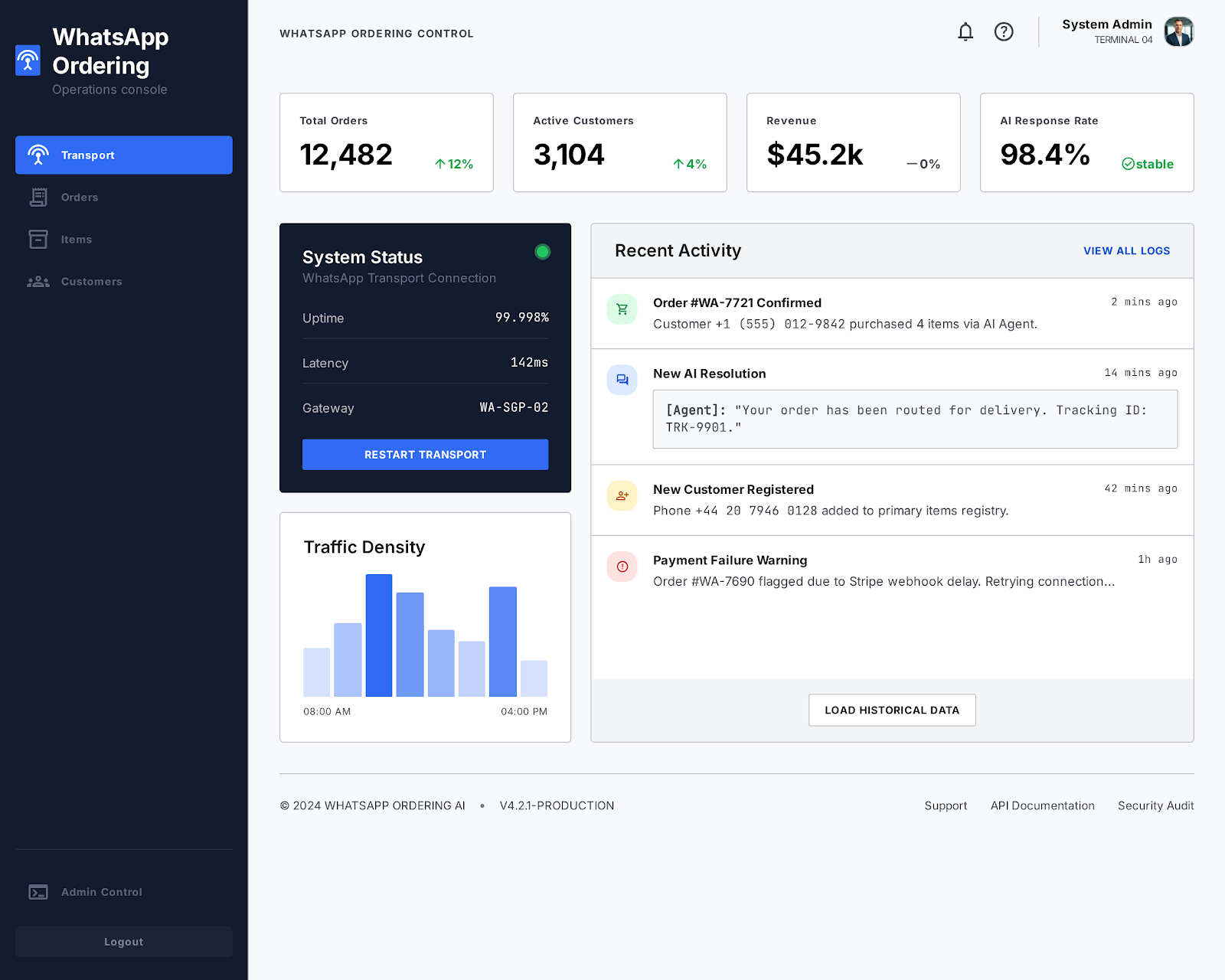
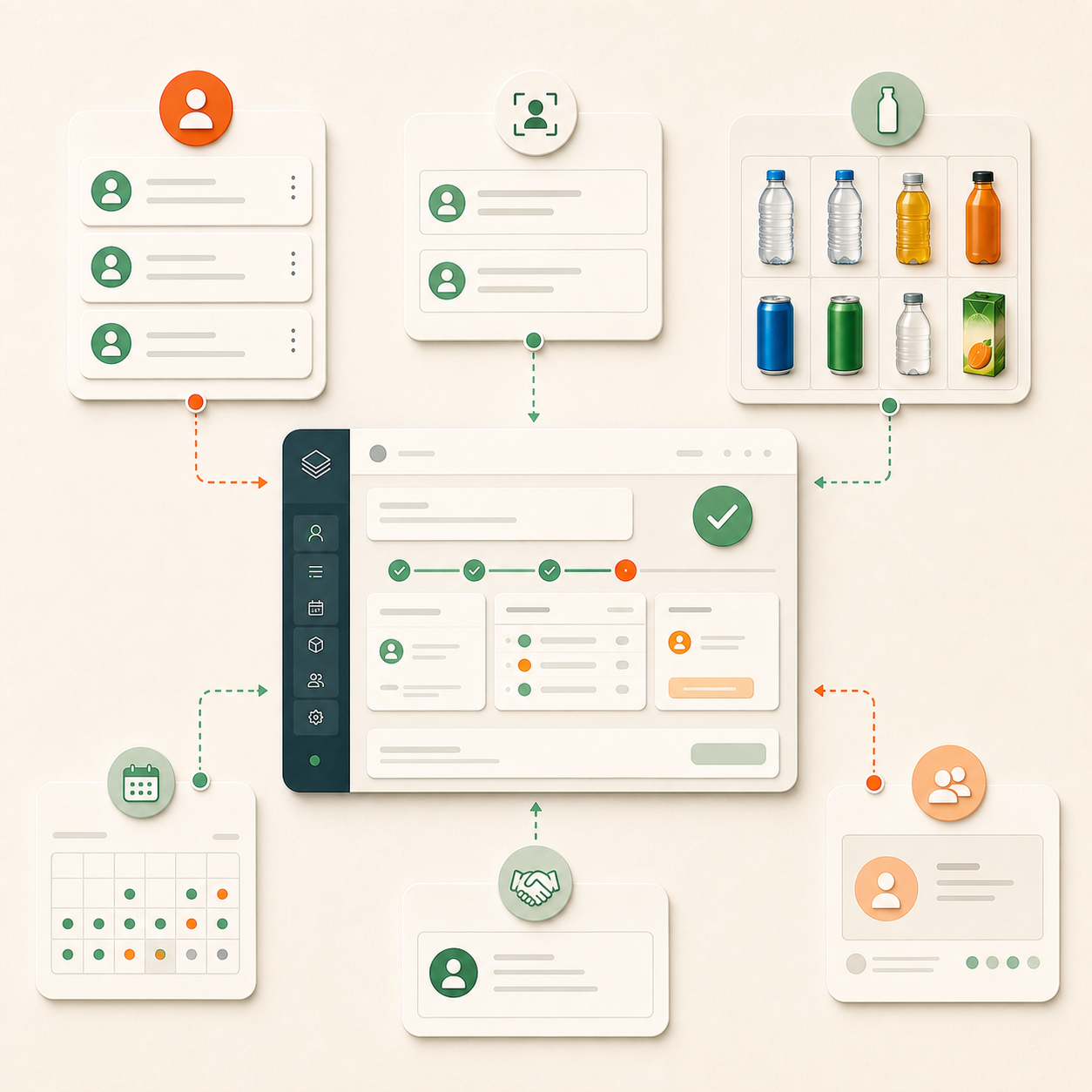
Give operations teams a central view of transport health, orders, customers, catalog items and settings. Open an order to adjust lines or delivery details before it moves downstream.
- Review and edit quantities, SKUs, address, date and instructions
- Manage customer access through contacts, WhatsApp group activation and approved email PO senders
- Protect operations with authenticated admin routes and controlled settings
Integration without replacement
Fits around the system you already run.
The ordering layer normalizes customer inputs and keeps downstream connectivity behind an ERP gateway. Your ERP remains the system of record.
- Customer identity
- Catalog resolution
- Credit decision
- Exception handoff
Designed for: a scoped adapter to the customer’s ERP submission workflow after validation and approval rules are agreed.
Designed around the distributor
Where the workflow earns its keep.
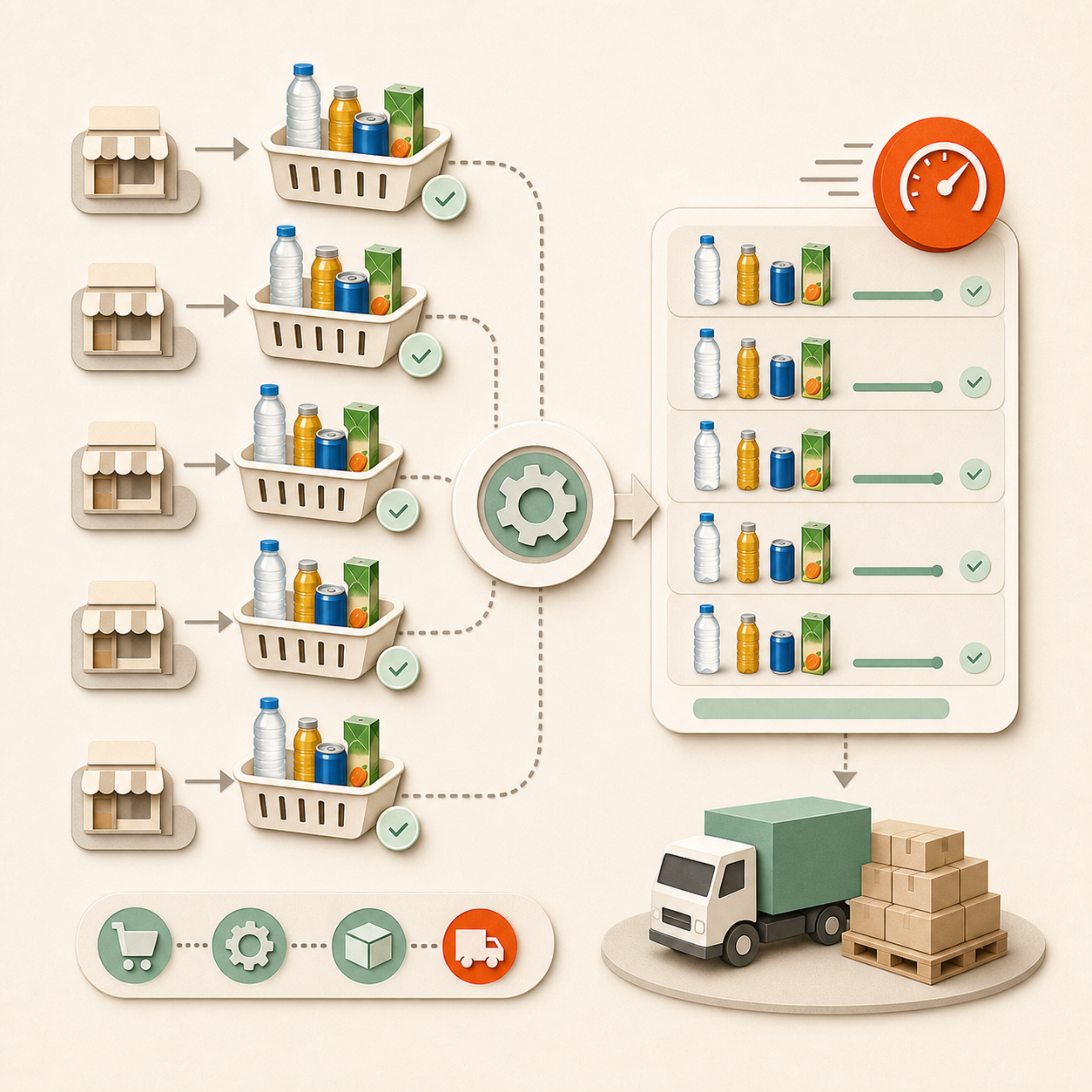
High-volume repeat orders
Move routine customer requests into a consistent order flow without retraining buyers.
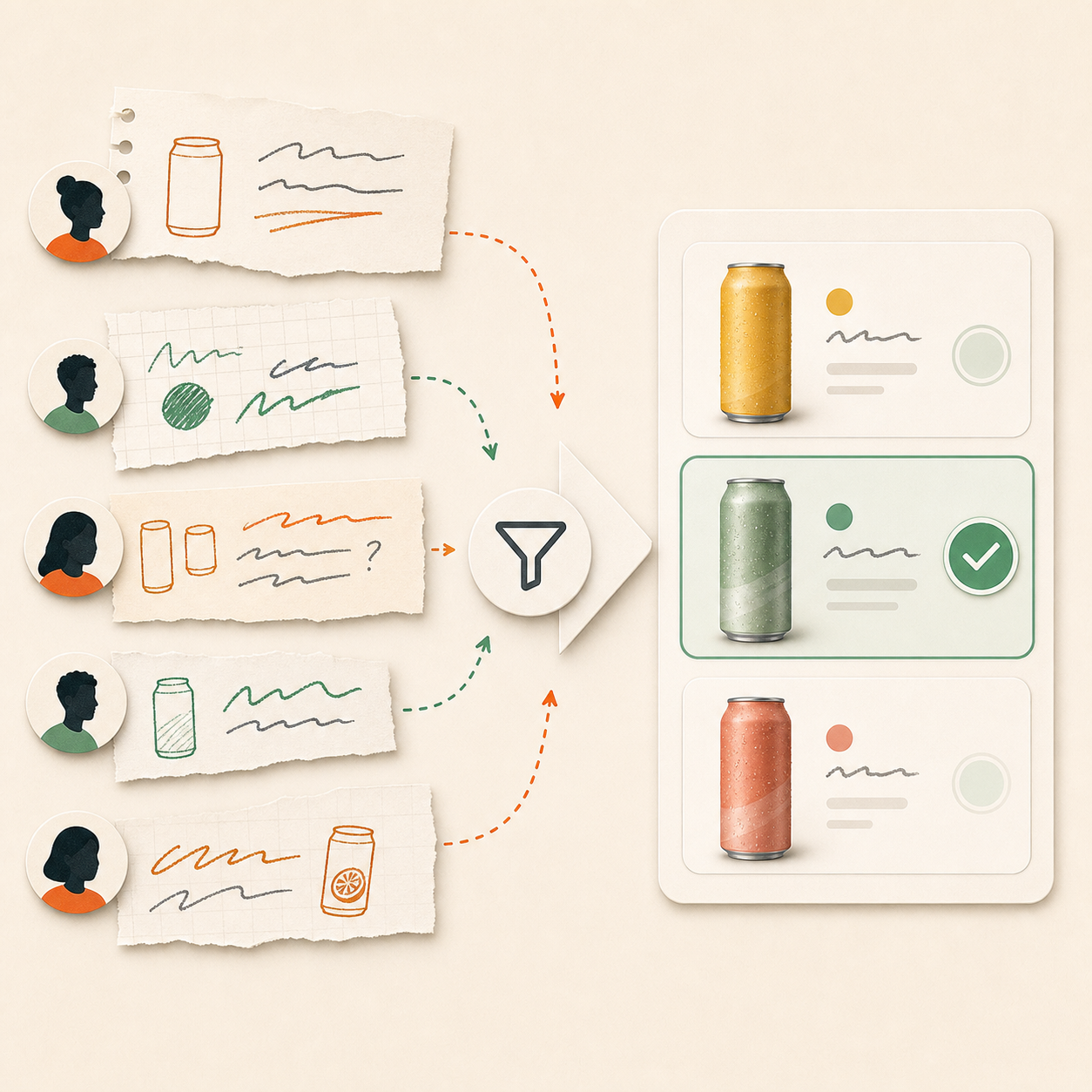
Messy product language
Resolve shorthand, aliases, variants and customer-specific names against the active catalog.
Mixed order formats
Bring conversational messages and formal purchase orders into one operating queue.
Proof before promises
Prove it on your orders, catalog and rules.
No generic chatbot demo and no invented savings. Start with a representative order set, establish the manual baseline, then measure what the workflow actually changes.
Map
Choose one customer segment, one catalog slice, and the exceptions that must reach a person.
Configure
Connect sample customer and product data, aliases, delivery rules and the agreed handoff.

Measure
Run real order examples and compare handling time, match quality and exception volume.
Straight answers
What buyers usually ask.
The useful conversation is about your controls, catalog and integration – not whether AI can produce a chat reply.
Do customers need a new app or ordering template?
No. They continue using WhatsApp for natural text, voice notes, product photos or purchase-order documents. Customers who normally send POs by email can continue emailing them to a dedicated order inbox.
How does the email PO inbox work?
The inbox matches approved sender addresses or customer domains, then sends a supported PDF or image attachment through document extraction and catalog matching. Unknown senders and unclear emails stay in staff review, and email-originated orders are not submitted automatically.
Does this replace our ERP?
No. The solution handles conversational order intake and produces controlled order data. Your ERP remains the system of record, connected through a scoped adapter.
What happens when the product match is unclear?
The system does not silently choose. It can present numbered options, leave unmatched document lines out of the cart, or create a human handoff case with the original context.
Can it handle Singapore ordering language?
The current voice workflow is configured for English, Mandarin, Malay, Singlish and mixed-language orders, while preserving quantities, product phrases and common FMCG units.
How do we establish ROI?
Measure a focused pilot against your current process: staff handling time, lines matched without search, clarification rate, exceptions and time to confirmed order. Publish percentages only after the data exists.
Start with one real workflow
Bring us your messiest order conversation.
We’ll map the customer journey, catalog rules, review points and ERP handoff – then test the workflow with a representative order.
Run a real-order pilot